Overview
Semantics in UX is about more than how something looks, it’s about what it means. Proper use of semantic HTML and ARIA ensures that content and components convey their role and purpose to both users and assistive technologies.
Without semantic structure, interfaces may look fine visually but break when read by screen readers, indexed by search engines, or navigated by keyboard. Strong semantics form the foundation of accessible, resilient, and scalable design.
Best practices
Guidelines for semantic foundations in UX.
Use semantic HTML elements whenever possible
Prefer <button> over <div> with click handlers, <nav> over generic containers, and <h1>–<h6> for headings. This preserves meaning and accessibility out of the box.
References:
Align visual and semantic hierarchy
Headings, labels, and landmarks must match their semantic roles. Do not style a <div> to look like a heading.
References:
Use ARIA only when necessary
ARIA can fill semantic gaps but should not replace native HTML. “No ARIA is better than bad ARIA.”
References:
Provide clear landmarks and regions
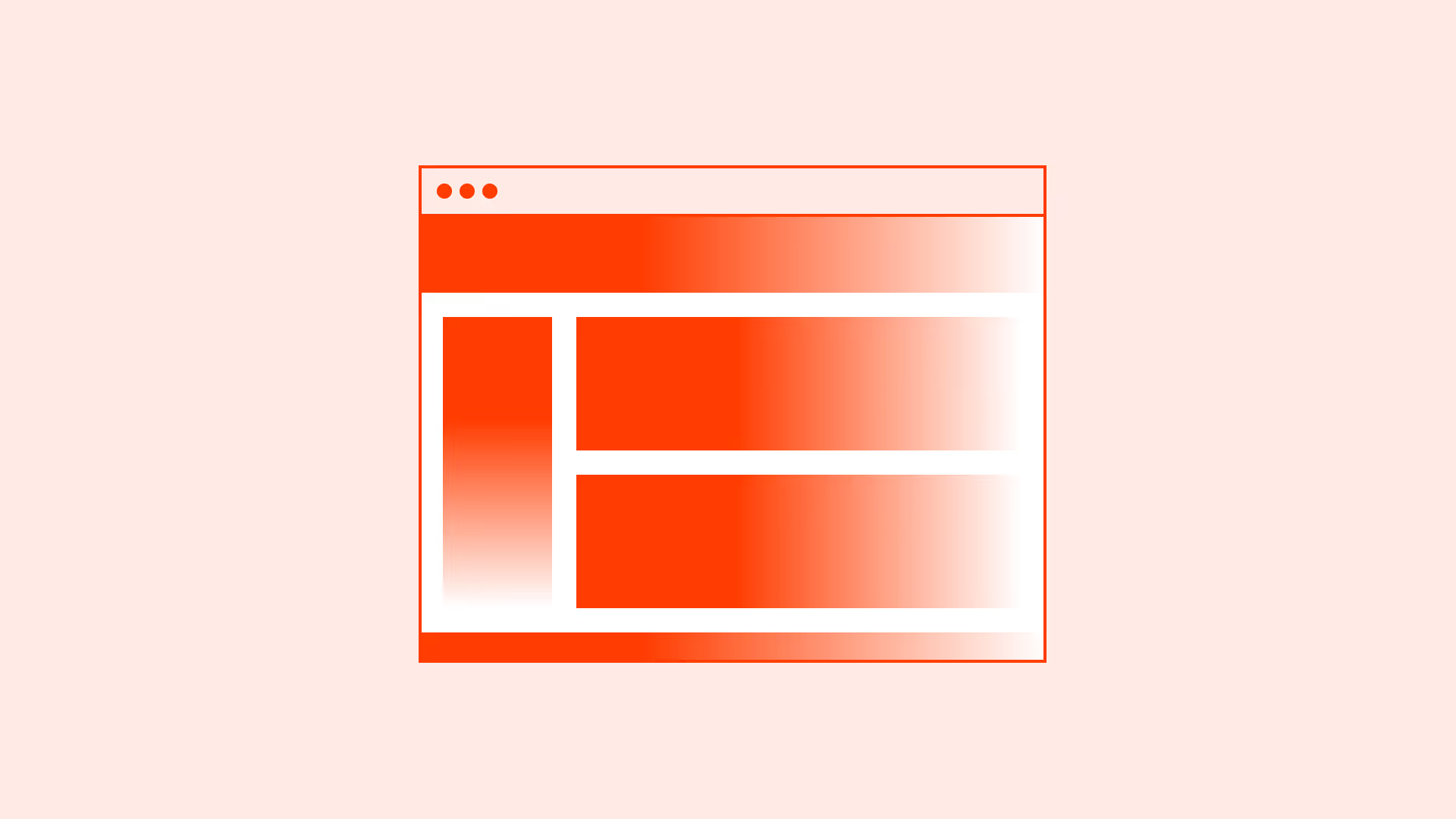
Use <header>, <main>, <footer>, <aside>, and <nav> to help assistive technologies and users orient themselves.

References:
Support keyboard navigation through semantics
Semantic elements come with predictable keyboard behaviors. Avoid breaking them with custom scripts.
References:
Common mistakes
Frequent mistakes when building semantic structure.
Using generic containers for everything
Using <div>s and <span>s without roles create inaccessible, meaningless structures.
Styling elements to look like something else
For example: using a <span> styled as a button. This breaks accessibility and expected behaviors.
Overusing ARIA roles unnecessarily
Adding redundant or incorrect ARIA often causes more harm than good.
Skipping headings or using them inconsistently
Headings must follow logical order. Skipping levels breaks semantic flow for screen readers.
Summary
Key takeaways for semantic UX foundations.
- Semantics is about meaning, not just appearance.
- Use native semantic HTML whenever possible.
- Match visual and semantic hierarchy to preserve clarity.
- Use ARIA cautiously, only when necessary.
- Provide landmarks and logical heading structures for navigation.
Strong semantic foundations make interfaces accessible, resilient, and user-friendly for everyone.
AI prompts
Ready-to-use AI prompts for design agents. Each scenario is pre-loaded with the UX rules from this guide. Copy, adapt to your context, and generate consistent, well-structured output from the start.
Scenario: Page semantic structure
Use when establishing or auditing the semantic HTML structure of a page or component, ensuring interfaces communicate meaning through structure, not just visual appearance.