Overview
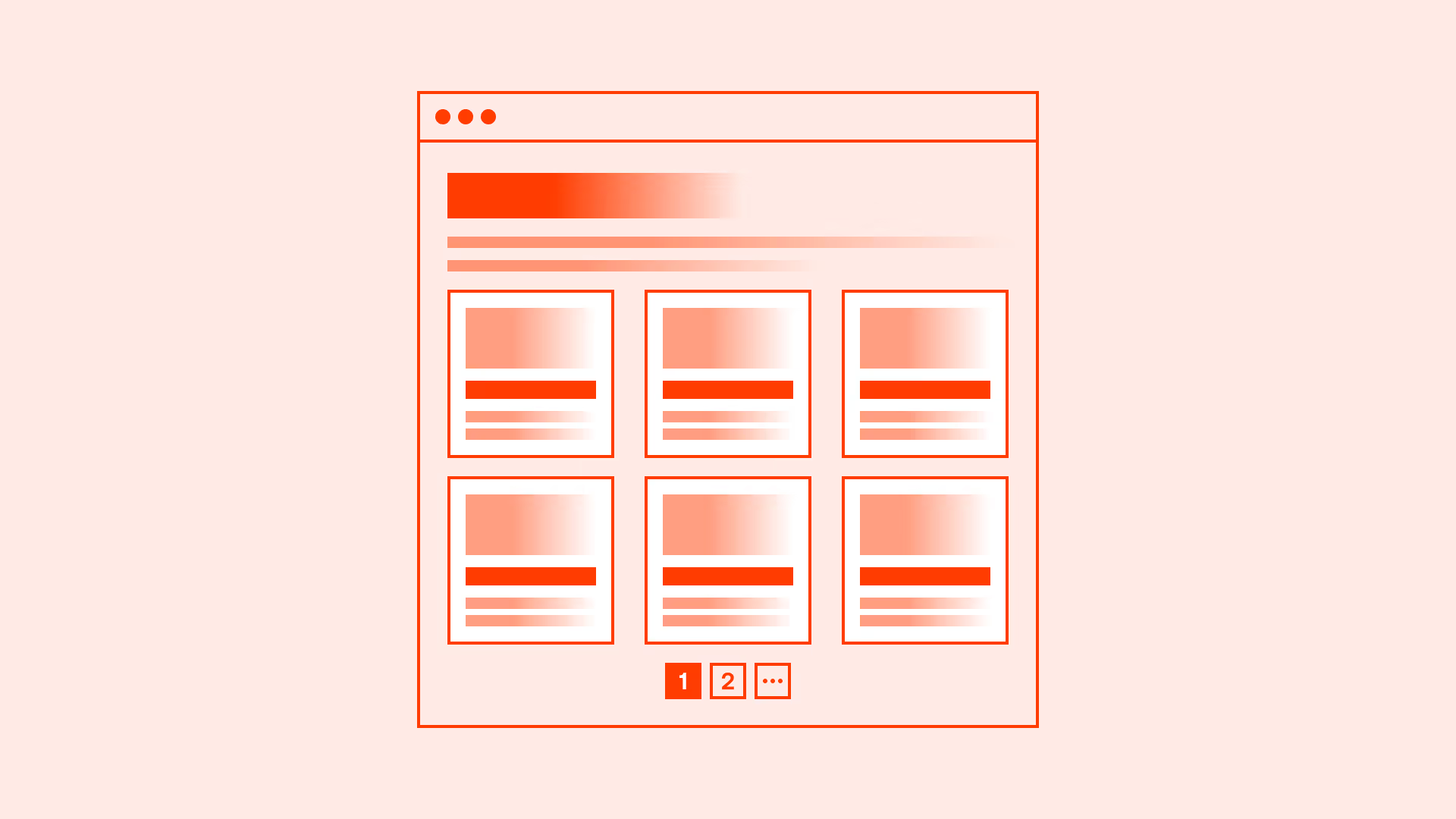
How content is revealed has a direct impact on usability. Pagination, infinite scroll, and load more buttons are three common approaches.
- Pagination splits content into separate pages with clear navigation.
- Infinite scroll automatically loads more content as the user scrolls.
- Load more uses a button to reveal additional items on demand.
Selecting the right method depends on context, content type, and user needs.
Best practices
Guidelines for selecting and implementing content loading patterns.
Use pagination for structured, findable content
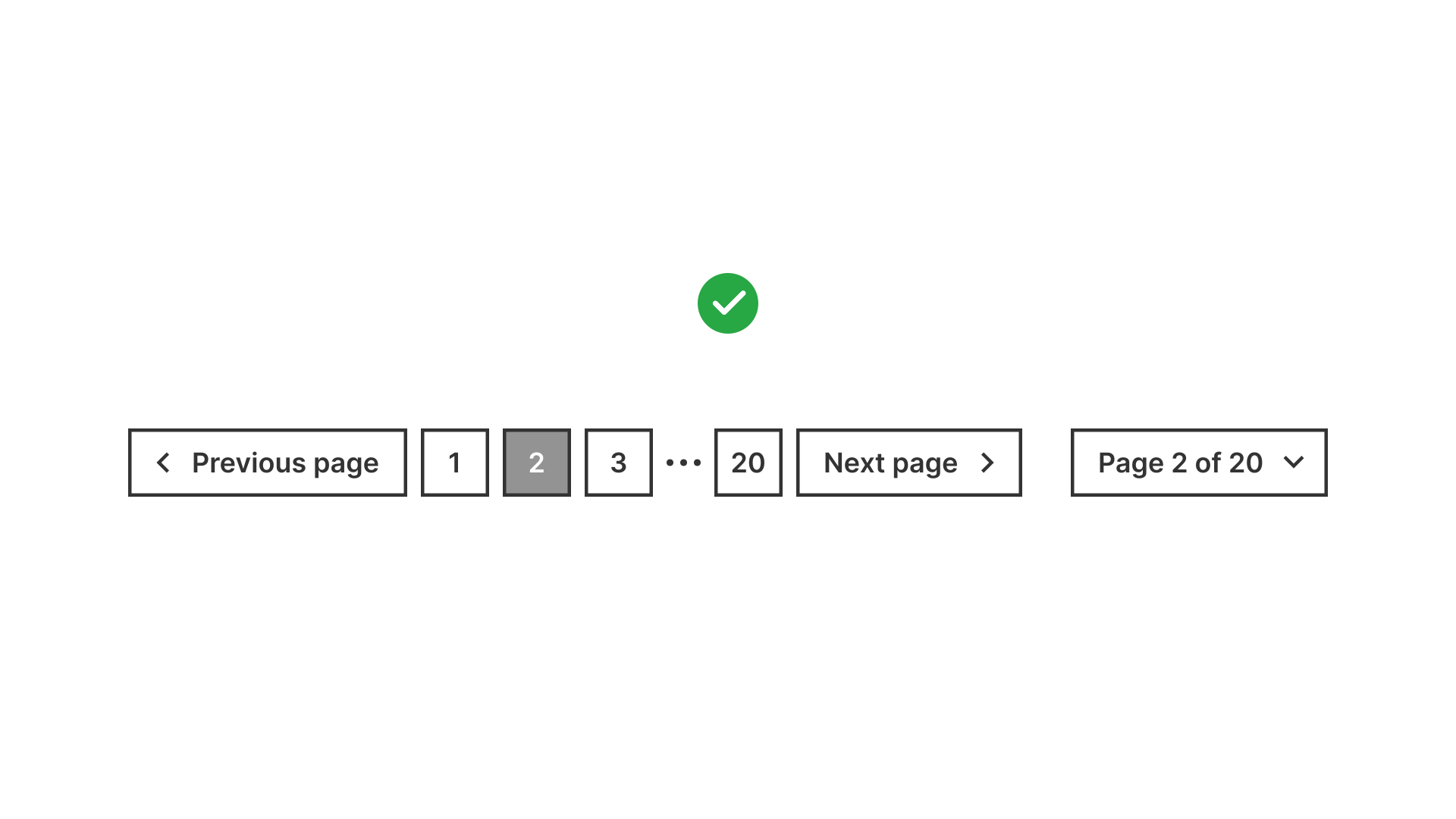
Best for search results, documentation, or archives where users need clear sense of progress and ability to return to specific pages.
References:
Use infinite scroll for discovery-driven experiences
Suitable for feeds (for example: social media), where users don’t need a specific endpoint and are encouraged to explore continuously.

References:
Use load more for balance between control and performance
A load more button reduces cognitive load by chunking content while still keeping the user in control. It performs better than pure infinite scroll for many e-commerce or gallery contexts.
- Show the load more number if the system loads a fixed number of items each time and you know the total number of remaining items. It improves predictability and reduces uncertainty.
- Use consistent phrasing across the product (don’t mix “Load more” and “Show more”).
References:
Always provide clear indicators of progress
Users must know how much content is left and where they are. Use page numbers, item counts, or progress indicators.
References:
Support accessibility and navigation
Ensure keyboard users and screen readers can navigate across pages or loaded sections. Use ARIA landmarks, maintain focus after loading, and provide skip links.
References:
Common mistakes
Frequent mistakes when choosing or implementing content loading patterns.
Using infinite scroll for goal-driven tasks
Users searching for specific information get lost without an endpoint.
Not preserving user position across pagination
Returning to page 1 after clicking back frustrates users.
Overloading infinite scroll without performance optimization
Leads to sluggish interfaces and crashes on mobile devices.
Removing footer access with infinite scroll
Users lose access to critical navigation or site information.
Summary
Key takeaways for pagination, infinite scroll, and load more.
- Use pagination for structured, goal-driven content.
- Use infinite scroll for discovery-focused experiences.
- Use load more when balancing exploration with performance.
- Always provide progress indicators and accessible navigation.
The right choice improves usability, accessibility, and performance. The wrong choice frustrates users and harms discoverability.
AI prompts
Ready-to-use AI prompts for design agents. Each scenario is pre-loaded with the UX rules from this guide. Copy, adapt to your context, and generate consistent, well-structured output from the start.
Scenario: Choosing the right pattern
Use when deciding between pagination, infinite scroll, and load more for any content list: search results, product listings, feeds, or galleries.